Smart Glasses, AI Notetakers, and Free Textbooks in AI: What Students Are Bringing Into Your Center
AI glasses in the testing room, notetakers recording sessions, and free textbooks inside Gemini Notebook all went mainstream this fall. What each one means for your center before finals, plus three prompts to get ready.
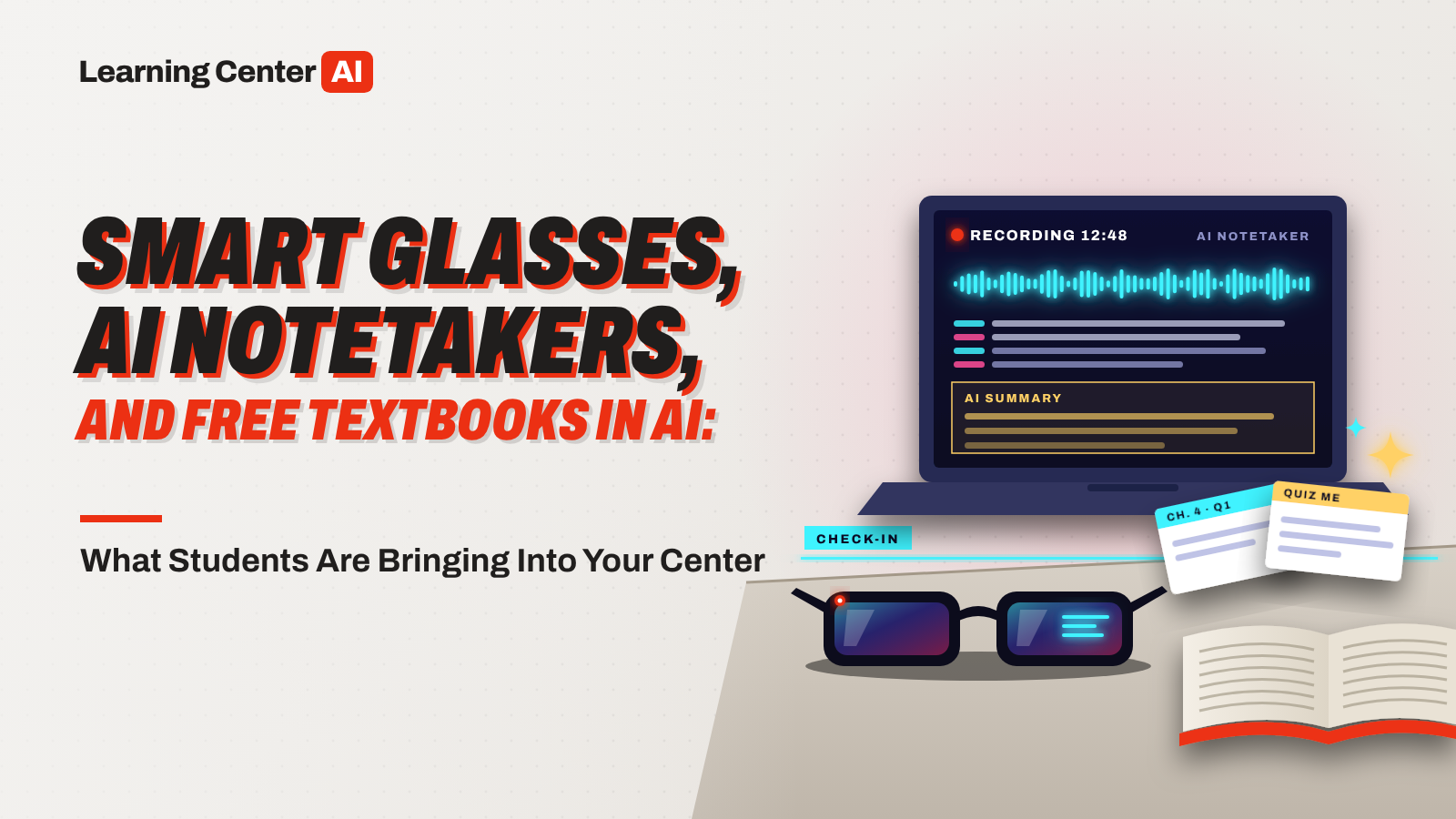
Picture three students in your center on the same afternoon. One walks into the testing room wearing glasses that look ordinary but have a camera and an AI assistant built in. Another opens a laptop at a coaching appointment, and an app quietly starts transcribing the conversation. A third sits down with a tutor, pulls up the course's free OpenStax textbook inside an AI notebook, and asks it to quiz her on chapter 4.
None of these students is doing anything strange. They're using tools that went mainstream this fall. But each one raises a question your center should answer before finals week, not during it.
Smart glasses and the testing room
Jasper Roe recently posted on LinkedIn that AI glasses in exams are a real problem, but likely just the tip of the iceberg, with other wearables coming right behind them. The evidence backs him up.
In South Korea, the Korea Times reported that examinees were caught using AI glasses on certification and English language exams this year. The Ministry of Education told education offices to treat the glasses as prohibited items in exam rooms. One medical school told proctors to watch for thick frames, but newer models have slim frames and no display, so that check may already be out of date.
In a piece for The Conversation, Meena Jha points out that universities are returning to in-person exams to deal with AI, just as wearables make in-person exams harder to secure. She cites UK data showing phones and smart devices were involved in 2,225 cheating cases in 2025, about 44% of the total. Closer to home, the College Board banned smart glasses on the SAT starting in March 2026.
If your center proctors exams, makeup tests, or accommodated testing, here's what to look at:
- Name the devices. Update your prohibited items list to say smart glasses, smart earbuds, and smartwatches by name. Vague language like “electronic devices” is easy to argue about at the check-in desk.
- Plan for prescription pairs. Some students will need to see. Decide ahead of time what happens when a student's only glasses are smart glasses, and work that out with your disability services office.
- Don't rely on spotting them. Train proctors to ask, not just look. A short check-in question about wearables is more reliable than guessing from frame thickness.
- Watch for fairness. Jha also warns that heavier screening can unfairly single out students with disabilities, health conditions, or religious dress. Apply the same check to everyone.
AI notetakers in sessions
Tools like the Wispr Flow Notetaker record on the student's own computer instead of sending a bot into the meeting. You get a transcript, a summary, and a searchable history. The upside is clear for students who struggle to take notes while also trying to listen.
The catch is that nobody else in the room may know it's running. Wispr's own FAQ says the user is responsible for telling everyone before they start recording. That means your tutors and coaches could be recorded without knowing it.
Two things help here:
- Set a center norm. Ask that students tell staff before recording a session, and tell staff they can say no or ask to pause. Check with your campus about recording policies, and keep in mind that some students have recording approved as an accommodation.
- Coach the habit, not just the tool. A transcript isn't the same as learning the material. Have students write a quick summary from memory first, then compare it to the AI summary. The gap between the two shows them what to review.
Free textbooks inside AI
On October 29, Google added hundreds of free textbooks to Gemini Notebook, including titles from OpenStax and the Open Textbook Library. Students can add a book as a source, ask questions, and get answers with citations back to the text. They can also turn chapters into study guides, practice quizzes, and flashcards.
For courses that use these books, that's a big change. A student's AI answers can now be grounded in the actual course textbook instead of the open web. Tutors should know which of your supported courses use OpenStax or other open textbooks, because those students now have a stronger study tool than they did a month ago.
It's still worth steering how they use it. Quizzes and flashcards are retrieval practice, which is great. Reading AI summaries in place of the chapter is not. Tutors can push students toward the first.
What to do this month
You don't need a big initiative. Pick one owner for each item:
- Testing coordinator: update the prohibited items list and check-in script before finals.
- Coaching supervisor: write a short recording norm for sessions and share it with staff.
- Tutor supervisor: list which supported courses use open textbooks and show tutors how students might use them.
Students will keep bringing new tools through the door. The centers that handle it best will be the ones that decided ahead of time what's allowed, what isn't, and how to turn each tool into a better study habit.
Try It
These prompts work in whatever AI tool your campus provides. Fill in the bracketed parts before you paste. None of them need student data, so keep student names and ID numbers out.
1. Update your testing center's wearables policy. For directors and testing coordinators revising exam rules and check-in before finals.
You are a testing center operations consultant who helps college learning centers keep proctored exams secure and fair.

Goal: update our testing center rules and check-in process so they clearly cover AI smart glasses, smart earbuds, smartwatches, and other wearables.

Context:
- Center: [CENTER NAME] at [COLLEGE NAME]
- Types of testing we proctor: [e.g., makeup exams, accommodated testing, placement tests, certification exams]
- Typical number of students testing per day: [NUMBER]
- Who checks students in: [e.g., student front desk staff, a full-time testing coordinator]
- Our current prohibited items policy and check-in steps:
[PASTE YOUR CURRENT POLICY AND CHECK-IN STEPS]

Give me:
1. A revised prohibited items list that names current wearables in plain language, written so a student can understand it at a glance.
2. A short check-in script (under 60 seconds) staff can say to every student, including one question about wearables.
3. A procedure for a student whose only glasses are smart glasses, including when to involve disability services.
4. Two or three fairness checks so screening is applied the same way to every student and does not single out students with disabilities, health conditions, or religious dress.
5. A list of questions I should confirm with our disability services office and academic integrity office before rolling this out.

Keep our existing rules where they already work, and mark every change you made. Format the output with clear headings so I can paste sections into our policy document and staff training.
2. Write a session recording norm for AI notetakers. For coaching and tutor supervisors setting expectations for students who record sessions.
You are an academic support program director who writes clear, friendly policies for college tutoring and coaching centers.

Goal: write a short norm for when students use AI notetakers or other recording tools during tutoring or academic coaching sessions.

Context:
- Center: [CENTER NAME] at [COLLEGE NAME]
- Session types: [e.g., drop-in tutoring, scheduled academic coaching, writing consultations, online sessions]
- Who staffs sessions: [e.g., peer tutors, graduate assistants, professional coaches]
- Campus recording policy, if we have one: [PASTE OR SUMMARIZE, or write none found]
- How recording accommodations are handled on our campus: [e.g., approved through disability services with an accommodation letter]

Give me:
1. A student-facing norm of 100 words or less that asks students to tell staff before recording and explains why.
2. A short script staff can use when a student asks to record, including how to say yes, how to ask to pause during a sensitive conversation, and how to say no politely.
3. Guidance for staff on handling a student who has an approved recording accommodation.
4. Two or three tips staff can give students for studying from a transcript, such as writing a summary from memory before reading the AI summary.
5. A list of questions to confirm with our campus legal, compliance, or disability services office before we publish this.

Do not state what the law requires. Flag anything that depends on state law or campus policy so I can confirm it. Use plain language that a 19-year-old peer tutor would understand.
3. Build a tutor guide for courses with open textbooks in AI. For tutor supervisors and coaching supervisors prepping tutors for OpenStax and other open textbook courses.
You are a tutor trainer at a college learning center who helps tutors guide students toward good study habits with AI tools.

Goal: create a one-page tutor guide for a course that uses a free open textbook, showing tutors how to help students use AI study tools built on that textbook for active practice instead of passive reading.

Context:
- Course: [COURSE NUMBER AND TITLE]
- Open textbook the course uses: [TITLE AND PUBLISHER, e.g., OpenStax Biology 2e]
- Chapters or units covered this term: [LIST]
- Upcoming exams: [e.g., Exam 2 covers chapters 5 to 8 on November 20]
- How students in this course tend to use AI now: [e.g., ask it to summarize chapters, ask it to solve homework problems]

Give me:
1. Three ways a tutor can suggest a student use an AI tool grounded in this textbook for retrieval practice, such as generating a short quiz on one section and answering it without notes.
2. Two habits to steer students away from, such as reading AI summaries instead of the chapter, and a one-sentence way for a tutor to redirect each one.
3. A sample five-minute session routine that uses an AI-generated quiz from the textbook and ends with the student explaining one answer in their own words.
4. A reminder for tutors to check AI answers against the textbook page it cites before relying on them.

Format the output as a single page with short headings and bullet points that a tutor can read in two minutes. Keep it tool-agnostic so it works with any AI tool that can use a textbook as a source.
Sources
- Jasper Roe, post on AI glasses and exams, LinkedIn
- Jung Da-hyun, “As AI glasses get harder to detect, universities scramble to update exam rules,” The Korea Times
- Meena Jha, “Unis are going back to in-person exams. But some students are finding new ways to cheat,” The Conversation (republished by CQUniversity)
- “The College Board is banning students from using smart glasses during the SATs,” Gizmodo
- Wispr Flow Notetaker, Wispr Flow
- Priya Venkatraman, “Gemini Notebook adds hundreds of textbooks,” Google blog
- Free Textbooks in Gemini Notebook, Gemini Notebook on X
AI use statement
Sources come from my own reading, plus articles flagged by Elvis, an AI agent I built in Muse (Meta, 2026). I save the ones worth keeping with a note on why they matter for learning centers. Claude (Anthropic, 2026) helps me review those notes, choose topics, and outline and draft the article and its prompts. I revise every draft, check claims against the sources, and decide what gets published.
I tested the prompts in ChatGPT (OpenAI, 2026), Claude (Anthropic, 2026), Copilot (Microsoft, 2026), Gemini (Google, 2026) and Grok (xAI, 2026).
References
- Anthropic. (2026). Claude (Opus 5.5 version) [Large language model]. https://claude.ai
- Google. (2026). Gemini [Large language model]. https://gemini.google.com
- Meta. (2026). Muse (Muse Spark version) [AI assistant]. https://www.meta.ai
- Microsoft. (2026). Copilot [Large language model]. https://copilot.microsoft.com
- OpenAI. (2026). ChatGPT [Large language model]. https://chatgpt.com
- xAI. (2026). Grok [Large language model]. https://grok.com
About the author
[[shortcode.authors.mark-woolwine]]